How to play GTA in a browser
Sources checked · Verification method

“How to play GTA 5 in a browser” is three different jobs. I put them in the order that still has a paper trail in November 2026: your own Vice City files, a cloud PC that runs the ordinary game, and the GTA V loader that hosts Rockstar’s data itself. I do not rank the loader as the default.
Route A — files you already own
- Install Vice City on PC from Steam, the Rockstar launcher, or your discs. The joncode README lists about 1.5 GB for that client’s PC files.
- Open a documented reVC page: revc.wasm.ltd, the joncode client, or the DOS Zone reVCDOS page.
- Drop the install folder, or a zip on a phone, onto “Game files (PC).”
- Wait while the browser stores the files. The joncode readme says this happens once, on your machine, and wants about 1.2 GB free.
- Press Start. Saves can move in as GTAVCsf1.b through GTAVCsf8.b.
Browsers named in those readmes are Chrome 110 or newer, Firefox 111 or newer, and Safari 16.4 or newer. The pages also need a secure context so the browser will share memory between threads. GTA III’s hosts are a cousin of this route, except they never say whether you must bring files. That gap is on the GTA III page.
Route B — a computer in a data centre
This is the store game, drawn on someone else’s PC and sent to you as video. Tech Insider quotes two Chikii price pairs from one App Store listing; Cloudbase is a separate catalogue source, not independent pricing evidence. Tech Insider lists $3.99 a week or $14.99 a month. The App Store description in that same piece lists $2.99 a week and $12.99 a month. I keep both pairs. Search the app for GTA V before you pay. The same article quotes $29.99 for Rockstar’s PC edition (1 price source); confirm current regional store prices before comparing costs.
| Service | GTA V stores named | Claimed ceiling | Source count |
|---|---|---|---|
| Chikii | Promoted inside the app; confirm before paying | Not a resolution claim in the notes I used | 2 |
| Boosteroid | Epic, Rockstar, Steam | Up to 4K / 120 | 1 (Cloudbase) |
| Shadow | All store editions listed | Up to 4K / 240 | 1 (Cloudbase) |
| airgpu | All store editions listed | Up to 4K / 60 | 1 (Cloudbase) |
| Xbox Cloud Gaming | GTA V listed by Tech Insider | Not restated here | 1 |
| PS Plus Premium | PS5 / PS Portal streaming, per Tech Insider | Not restated here | 1 |
Bandwidth in that Chikii piece borrows Sony Remote Play’s floor: 5 Mbps minimum and 15 Mbps recommended, which they convert to 2.25 GB an hour and 6.75 GB an hour. I leave the arithmetic attached to that article. Playkey’s own notice says it folded into VK Play Cloud on 11 Jan 2024. Booboo has a contact page and no product I could quote, so it is not in the table. More on the split is at cloud gaming.
Route C — the GTA V loader
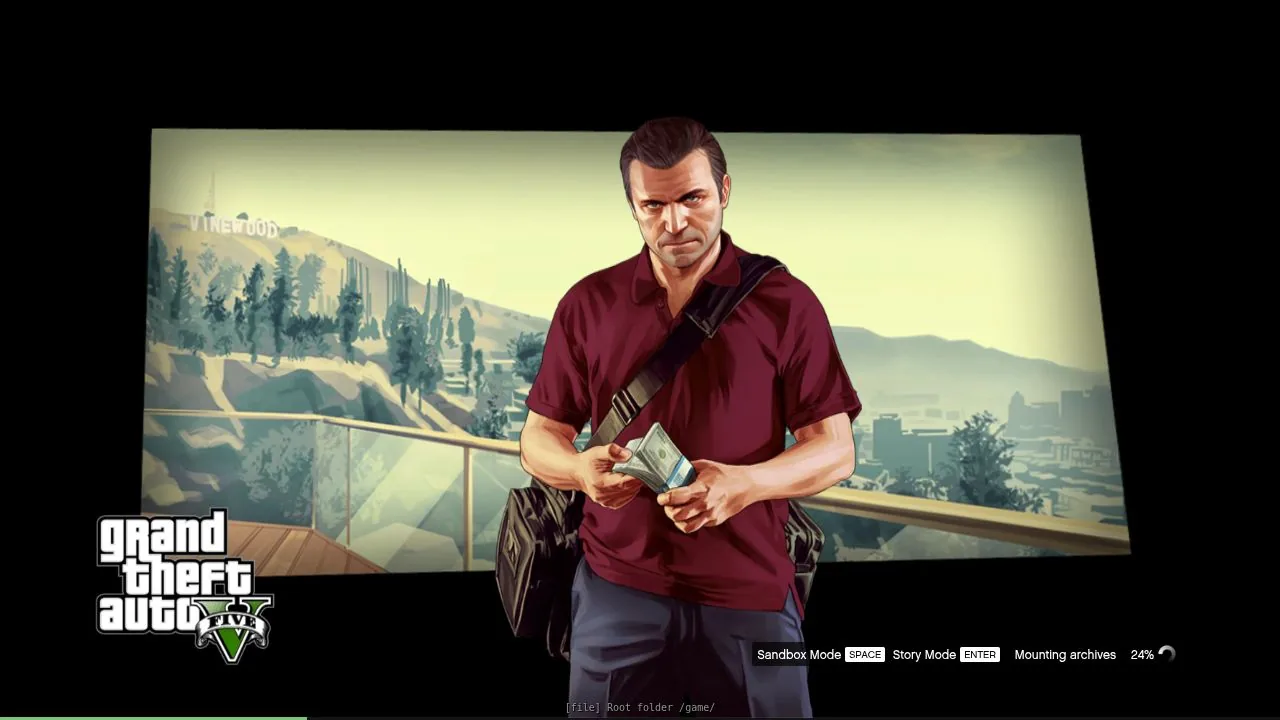
The October port is a local program in the tab, not a stream. The single technical teardown measured a 582 MB boot set, then about 20.9 GB of game data pulled in slices. It wants desktop Chrome or Edge with the browser graphics feature the port uses, and it drops to a lighter profile when the machine reports 4 GB or less. Fiveplay.lol was played by MalwareTips on 18 Oct 2026, with a three-to-five minute load. That is one source. Take-Two’s 18 Nov 2026 GitHub notices cover the web build. I am not linking a download. If the bar sticks, go to 66%. If a site wants an installer, go to safety first. Tech Insider quotes $29.99 for Rockstar’s PC game (1 price source); confirm the regional checkout price at the store.
Questions
Is there a no-download way?
A cloud PC installs nothing on your disk, and it still uses several gigabytes of data an hour. The GTA V port downloads a 582 MB boot set even when there is no installer.
Which route needs a game I own?
Vice City’s documented builds do. The GTA V port does not, and that is why the copyright problem is sharper there. GTA III’s hosts do not say.
What should I buy if I just want the real game?
GTA V on Steam, the Epic Games Store, or the Rockstar store, or on PS5 or Xbox Series. That purchase is not a browser build.
Related
Sources
- Apple App Store — Chikiigame listing and in-app purchases (Cameroon storefront) — checked 2026-11-22
- GitHub — joncode Vice City client — checked 2026-11-22
- Tech Insider — Chikii — checked 2026-11-22
- Cloudbase — GTA V cloud list — checked 2026-11-22
- Chikii and Playkey notices — checked 2026-11-22
- ai.satyajit.si teardown — checked 2026-11-22
- Rockstar — GTA V editions — checked 2026-11-22
- GitHub DMCA — 18 Nov 2026 — checked 2026-11-22